

Get immediate results
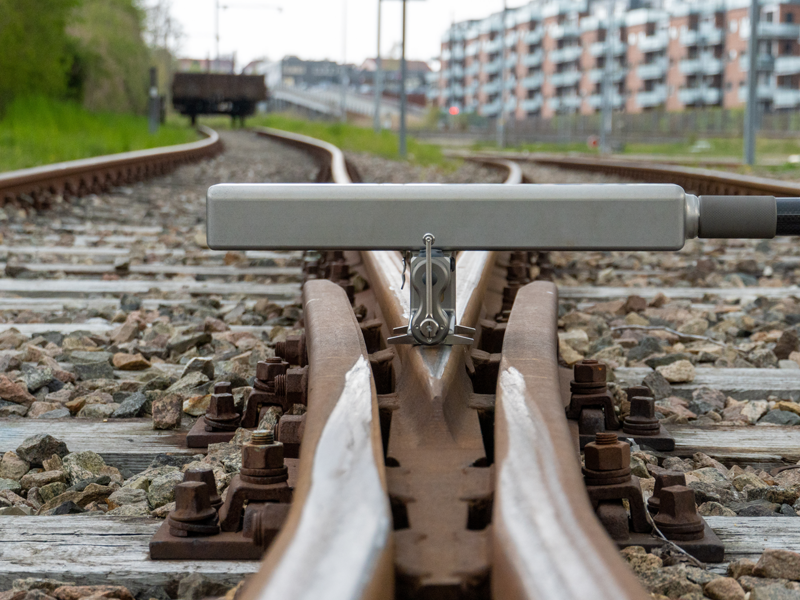
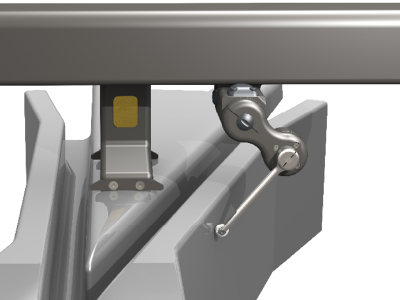
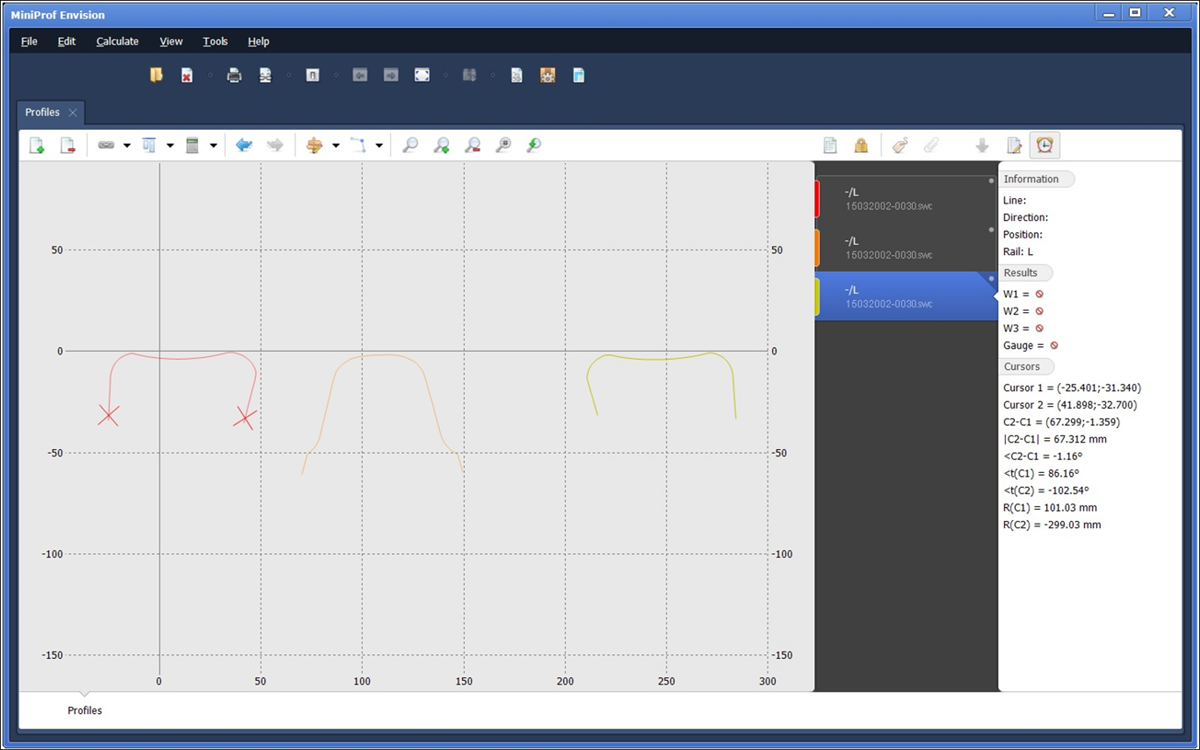
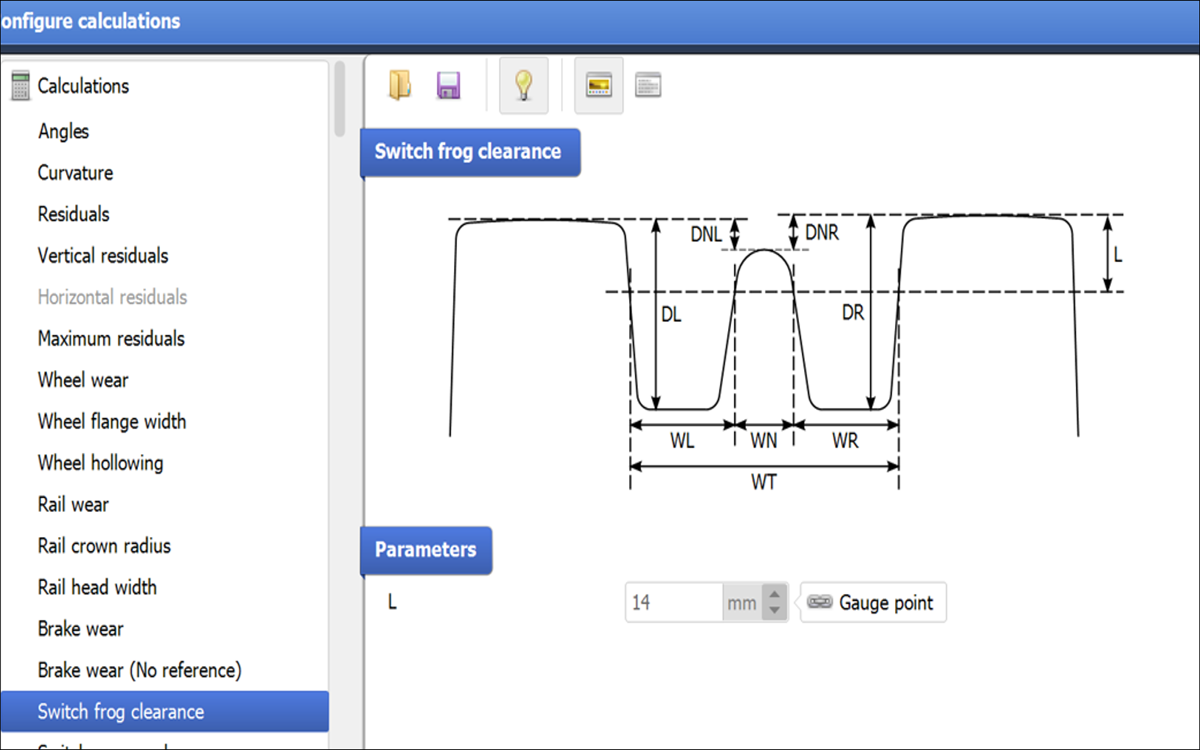
Depths, widths, angles and precise information on the physical placement of the switch are immediately displayed in real time and saved by the associated Envision software for on-site and post-measurement analysis. This allows not only the profiles of the individual rails to be analyzed, but also the geometry data of the entire cross-section.

Switch - Analyses & Calculations
The MiniProfBT Envision software automatically visualizes and calculates residuals and areas. measurements can be compared in a variety of ways and easily exported in different formats.

GPS location
The MiniProfBT Envision software can log GPS locations for each measurement taken and attach on-site photos to each measurement. This is very useful for identifying specific points of interest along the route.

Superelevation and gradient
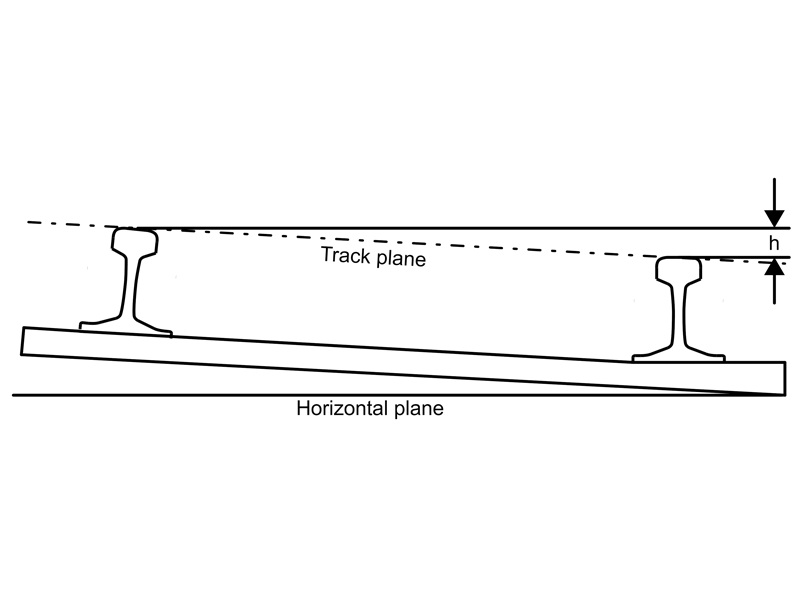
An inclination sensor automatically measures the cant and slope depending on the system configuration. The values are saved with the measurement and can be displayed at any time. The range of the measured inclination is ± 30 degrees.